AI Bots on LiveChat & WhatsApp
Resolve customer requests 24/7 with a hybrid (Guided + LLM) bot. When needed, hand off to an agent in the same thread — full history and context included.

Customer service platform that unifies every channel, understands and answers tickets with AI, and resolves them through workflows and SLAs.
Schedule a MeetingSample conversations: retail, finance, insurance and B2B customers write in from a channel; Next4biz AI recognizes the customer, completes the request through connected systems and Arif AI Assistant keeps the customer informed.
Resolve customer requests 24/7 with a hybrid (Guided + LLM) bot. When needed, hand off to an agent in the same thread — full history and context included.
Trained on your corporate knowledge, it drafts response suggestions and recommends next steps — so agents resolve faster with confidence.
Monitors email, social media, reviews, marketplaces; classifies tickets, responds. Completes when possible — otherwise starts the relevant workflow.
Customers can submit tickets from your site and apps and track all their requests across channels in one view. AI predicts category, offers the form; delivers instant resolution or hands off to workflow.
Recognizes the caller and brings the full history to the screen. It detects intent and sentiment, then guides the agent to the right flow for faster resolution.
Category-specific scripts guide agents to ask the right questions in the right order. First contact collects what's needed.
Phone, email, chat, WhatsApp, social, reviews, and marketplaces live in a single customer timeline. Identity is matched, threads are merged, and context follows — so agents never ask customers to repeat themselves.
Example in Action: A customer contacts support via live chat about an unresolved request. The agent starts investigating but the customer needs to step away. Later, the customer calls the call center from their phone. With Next4biz's omnichannel approach, the Call Center AI Agent sees the full chat history, customer and request details, and previous investigation—picking up exactly where the conversation left off without asking the customer to explain again.
This continuity reduces frustration, speeds up resolution, and creates a seamless brand experience that customers remember — and return to.
No-code, category‑specific workflows with per-step SLAs, alerts, and escalations. Manage cases end‑to‑end with tasks, forms, checklists, approvals, and business rules.
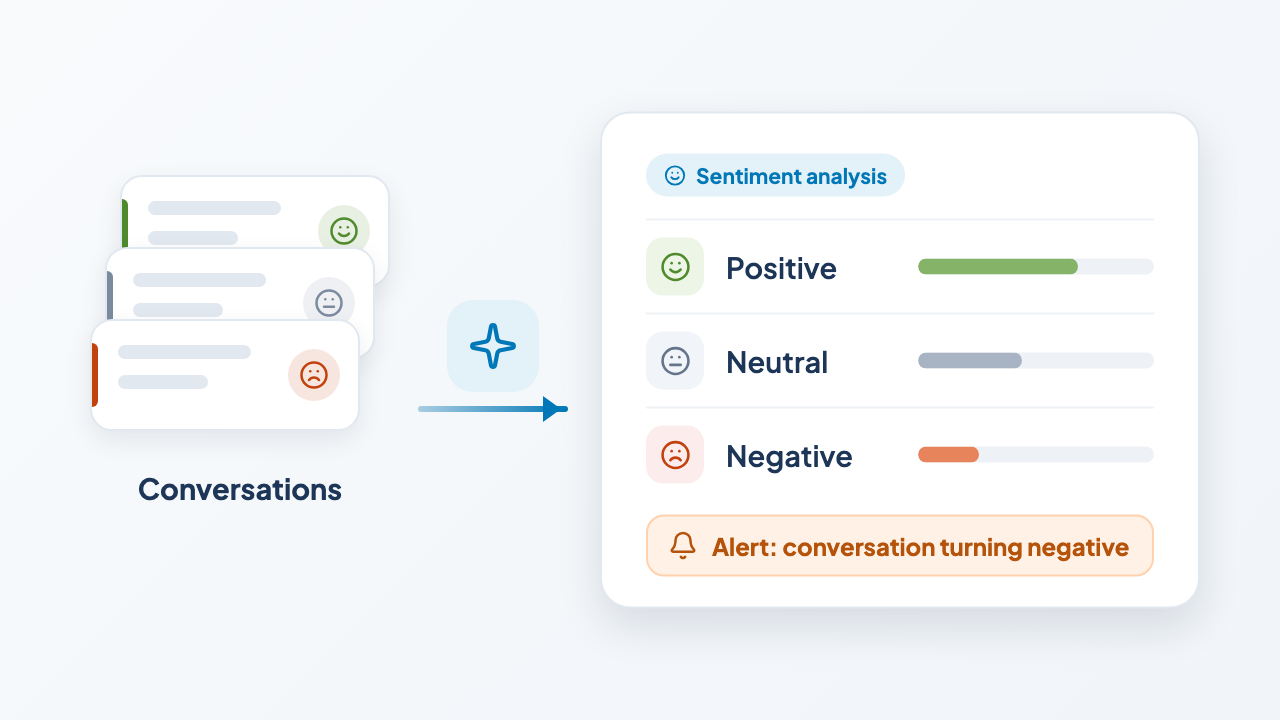
Every ticket is tagged as positive/neutral/negative; shifts feed alerts and dashboards.
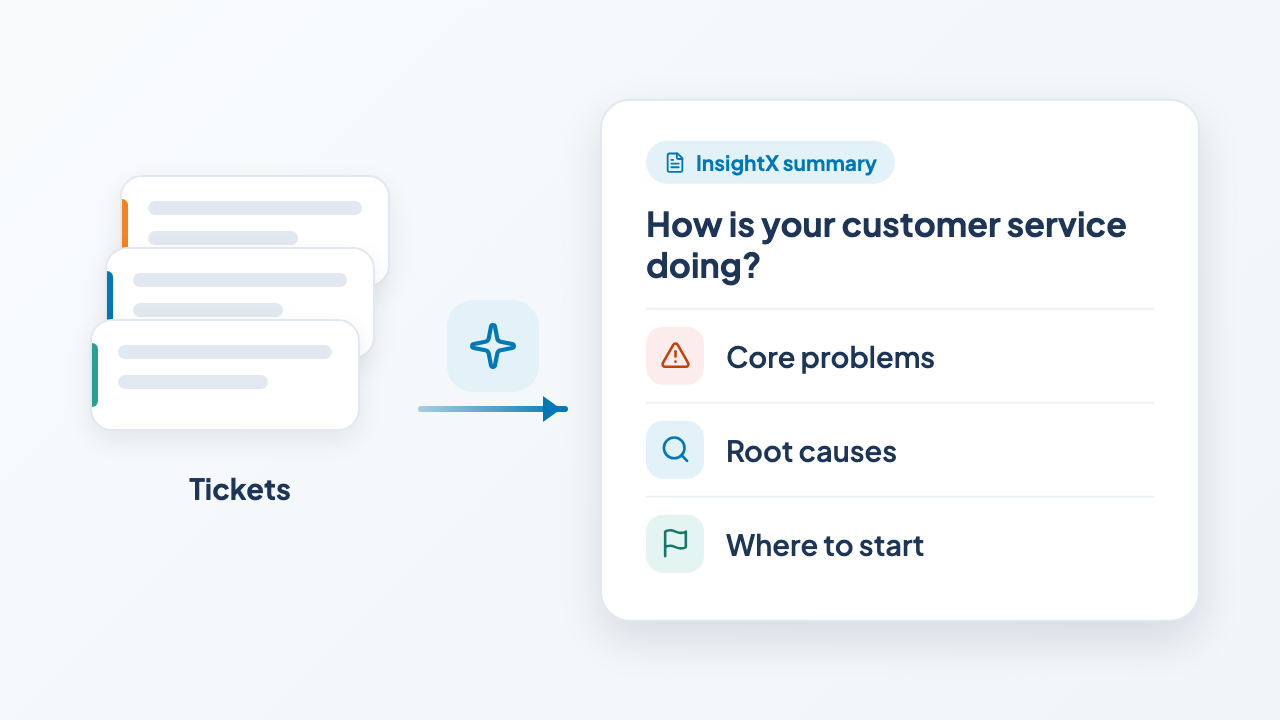
How is your customer service doing? For the scope and date range you choose, it summarizes the core problems, root causes and where to start. Learn more
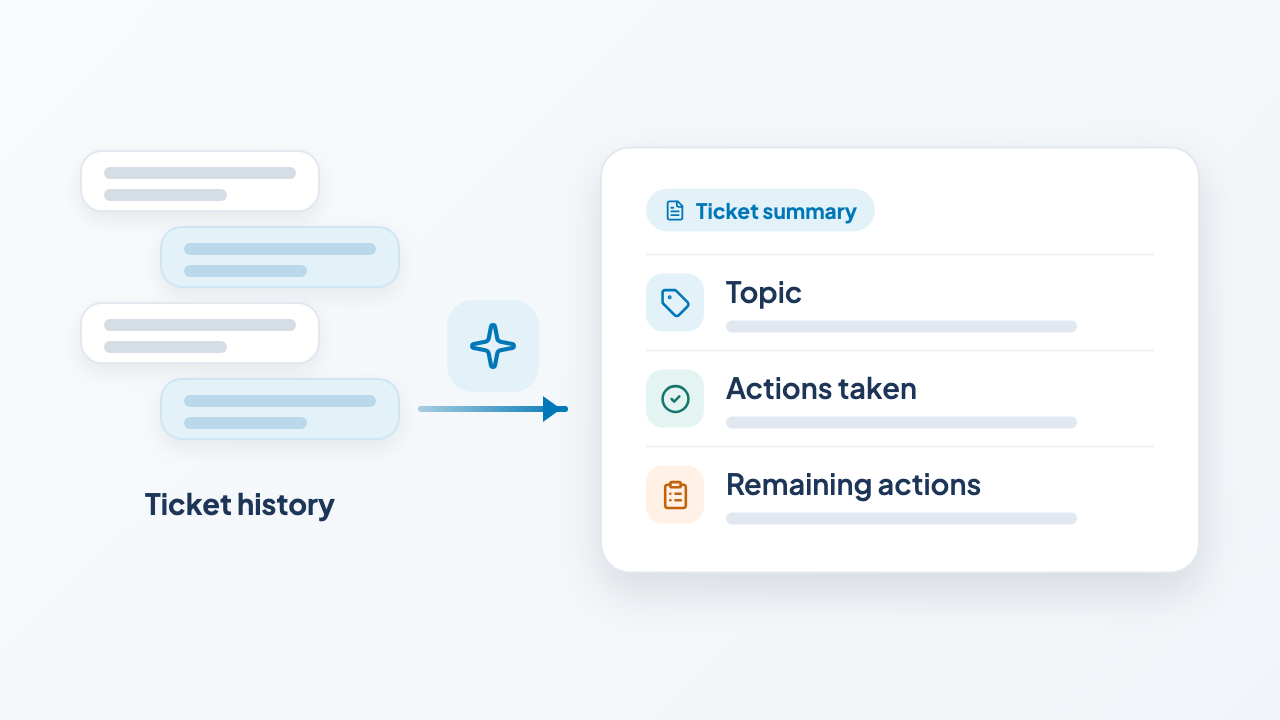
Concise conversation & resolution summaries for faster handovers and audits.
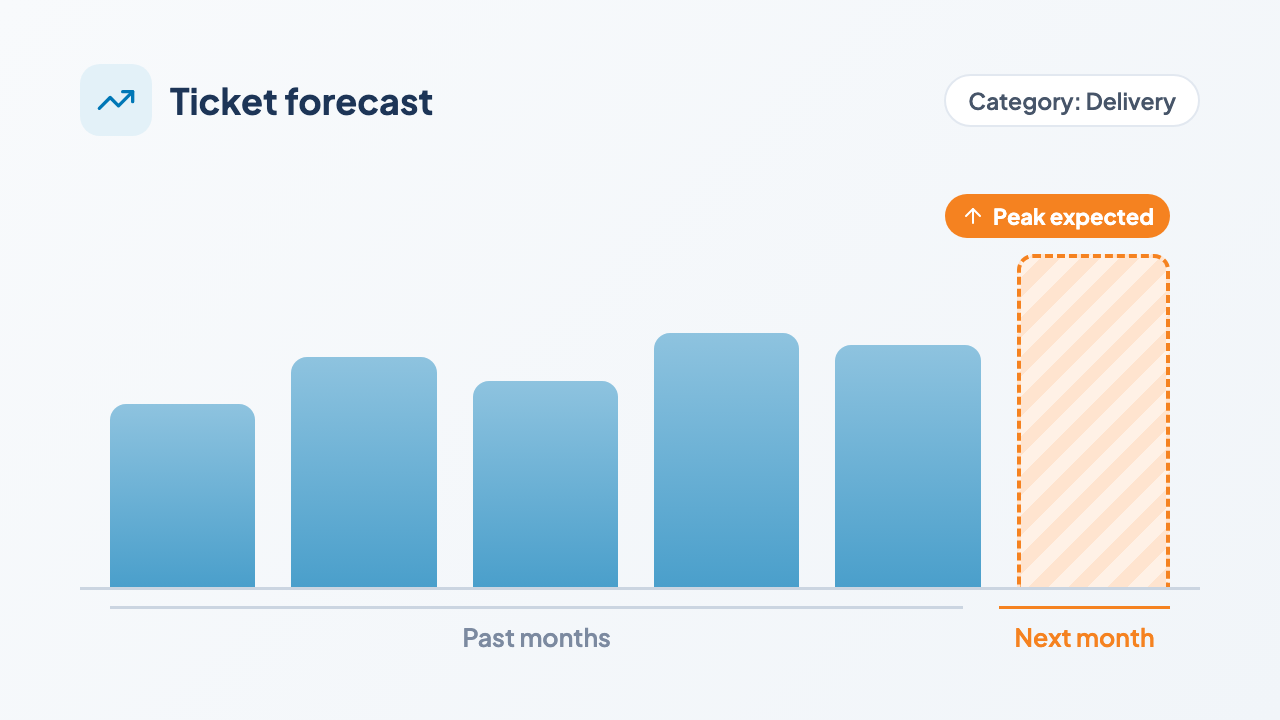
Predict how many tickets will come from each category; anticipate staffing needs and catch SLA risks early.
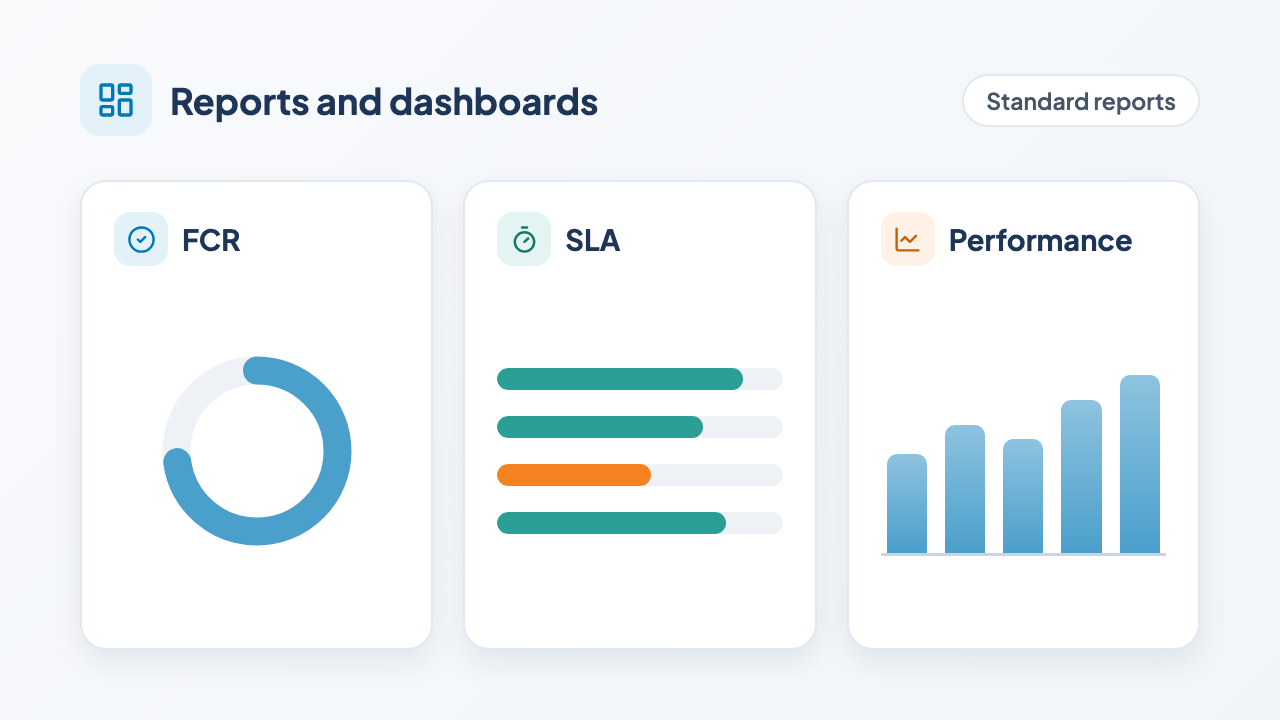
Standard reports and dashboards for FCR, SLA and performance; advanced analyses run in your own BI tool through BI integration.
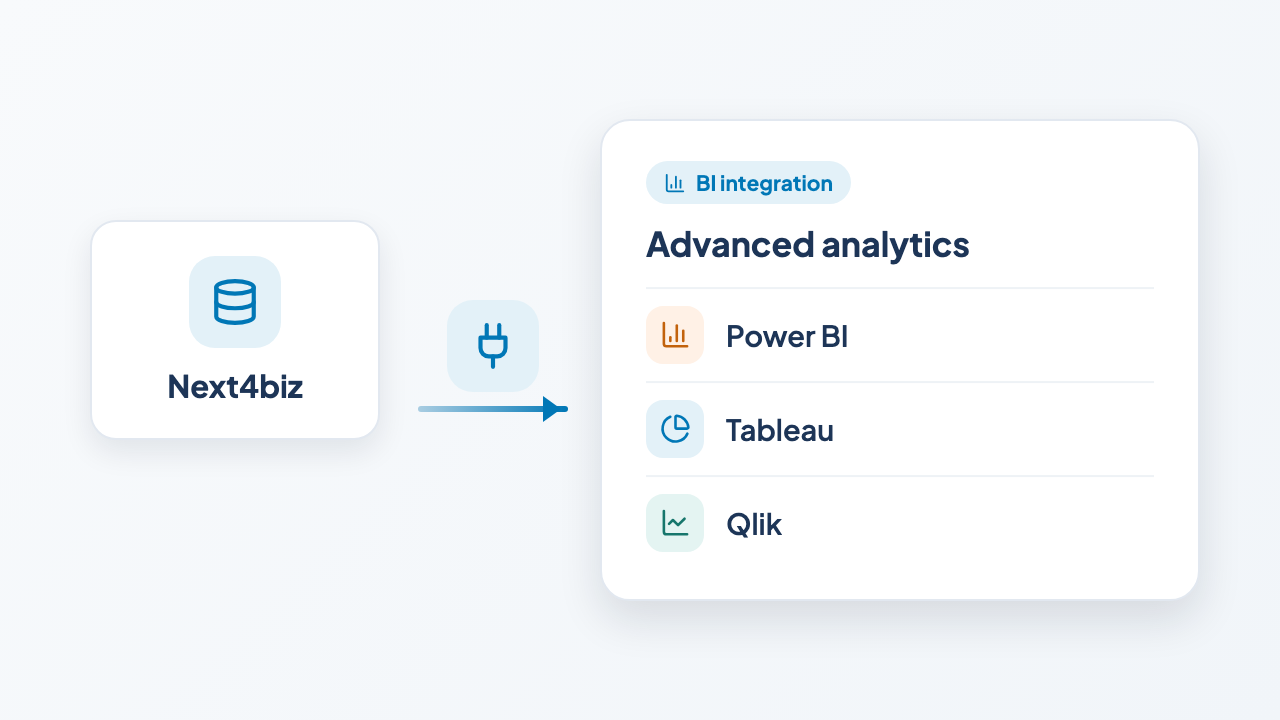
BI integration with Power BI, Tableau
and Qlik for advanced analysis.
Don’t depend on IT. Changes are in your hands. Update forms, workflows, and scripts safely — without coding. No need to wait weeks for small changes.
Native omnichannel connectivity for Live Chat, WhatsApp, email, call centers, social media, review platforms, and marketplaces — captured into a unified customer conversation.
Enterprise identity support with SSO (SAML 2.0 / OAuth2 / OpenID Connect) and LDAP/Active Directory. Optional SCIM provisioning for automated user and group sync.
Bi-directional integration with core systems such as ERP, CRM and OMS (SAP, Oracle, Logo, etc.) via REST APIs, web services and Webhooks. Sync customers, accounts, transactions, requests, policies, orders, etc. — so agents and bots always work with live context.
Embed reusable Next4biz components (self-service, notification views, chat) into your portals and applications — quickly and securely.
BI integration: ready-to-use APIs for Power BI, Tableau and Qlik to feed your enterprise BI layers.
SDKs and ready UI components for in-app self-service and chat — deliver the same experience across web and mobile with minimal effort.
The customer chooses the data center: the EU, the UK, the US or Türkiye. Our platform features regular independent security assessments and a robust information security framework designed to exceed your global regulatory requirements and data protection standards.
Our Roadmap-to-Success approach guides your teams through onboarding, technical configuration, and deep integrations. Continuous learning is supported through our learning management system (LMS), self-paced certification courses, and expert-led hands-on workshops.
Experience peace of mind with technical support and clear SLAs for maintenance and rapid incident response. An experienced global partner network is also available to support complex implementation projects whenever your team needs extra capacity.
The most common questions about the scope of the platform, integration with existing ERP and call center systems, how AI is used and where the data is kept.
Next4biz CSM is an AI-powered, omnichannel system that manages the entire customer service process on a single platform, from first contact to resolution. Phone, email, chat, WhatsApp, social media, marketplaces and self-service come together on one timeline; requests that cannot be resolved fall into category-specific workflows with SLA tracking.
Help desk tools record the ticket and assign it to an agent; the process ends there. Next4biz carries the request end to end: the category-specific workflow starts, owners and time limits are assigned step by step, escalation is triggered on delays, and at closure a reason code and root cause analysis are produced. End-to-end request management →
Yes. ERP, OMS and CRM systems are connected bi-directionally through REST APIs and webhooks; order, product, policy and customer data become usable inside workflows and screens. On the call center side it works with CTI-enabled cloud and traditional switchboards. For identity, SAML 2.0, OAuth 2.0, OpenID Connect and LDAP/Active Directory are supported, with optional SCIM for user synchronization.
No. The category tree, forms, workflows, business rules, agent scenarios, Guided Bot scenarios and message templates are updated with visual editors, without writing code. IT is involved only at the integration layer. Changes are made under role-based permissions; who changed what and when is traceable. No-code structure →
We are not tied to a specific model; we regularly compare proven large language models and run the leading model of the period on the platform. Progress in the model world therefore reaches the product without requiring a migration project on your side. Model selection and on-premise options are explained in detail on the AI page. Our AI approach →
Yes, on-premise is possible. In the default setup the leading model runs as a managed service; if on-premise is preferred, a model that supports on-premise deployment runs on infrastructure you determine, under your organization's control. If data must not leave the country, model training is carried out on our servers in that region. The options are detailed on the AI page. Our AI approach →
First contact resolution (FCR), average handling time (AHT), SLA compliance, escalation rate and customer satisfaction are tracked in standard dashboards. Thanks to the omnichannel structure these metrics are calculated without channel-level double counting. Through BI integration, ready-to-use APIs are available for Power BI, Tableau and Qlik.
next4biz CSM runs in the data center the customer chooses: the EU, the UK, the US or Türkiye. The application and its data are installed and processed in the chosen location; for organizations that choose Türkiye, both stay in Türkiye. Backups are kept within the same country or region, at a separate site. Data centers →
GDPR and KVKK compliance is committed to in writing, and the results of independent security audits are shared with customers. The platform is certified to ISO/IEC 27001, ISO/IEC 27701, BS 10012, ISO 22301, ISO 10002 and ISO 9001. Data stays in the location you select, and if you prefer, you can run it on your own systems with an on-premise license. Security and compliance →
It is a ready product; it arrives with rich functionality out of the box, then is adapted to your organization and integrated. Adaptation consists of configuring categories, forms, rules, flows, permissions and channel settings — code is needed only for external system integrations. Deployment is run with a project plan and roadmap alongside professional project managers; hands-on workshops and training make the teams' competence permanent. The intended benefits are defined together in the first meeting and tracked in built-in dashboards. Implementation roadmaps and training →
See our presentation and demos in a meeting with our product consultants, and let’s evaluate our autonomous customer service architecture together on your own channels and processes.
During the meeting, you can review with our experts: